How to Get More Google Reviews for Your Repair Shop
A step-by-step approach to building a strong Google review profile that brings in new customers and builds trust for your repair business.
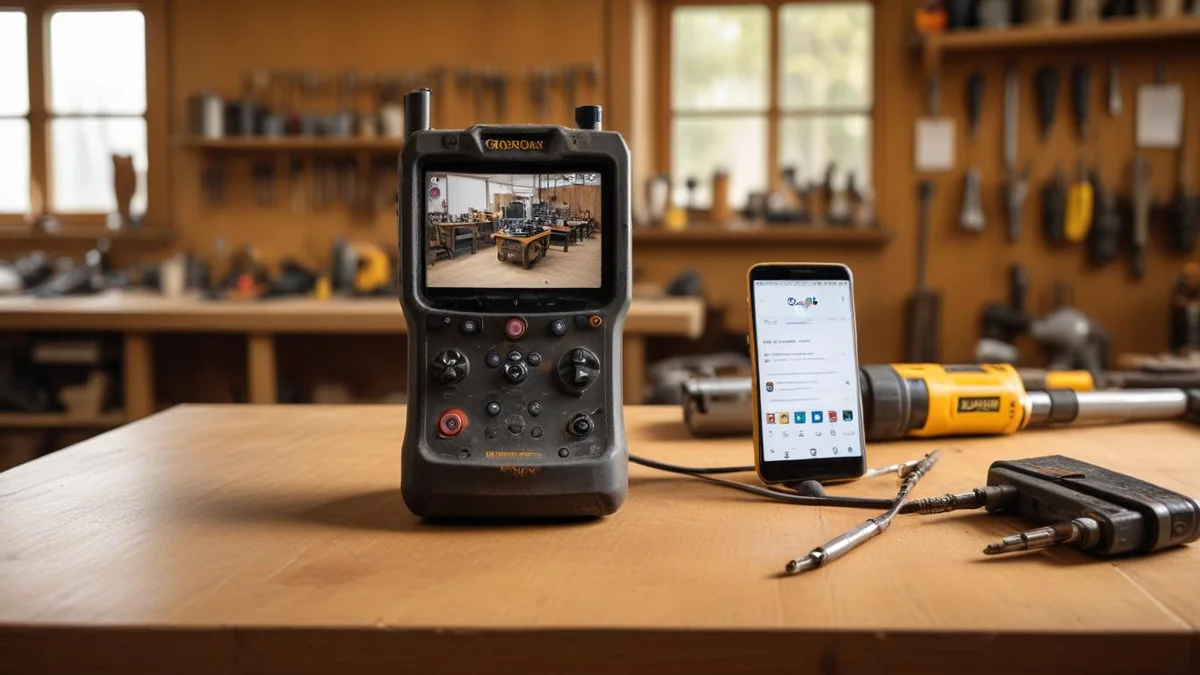
Google reviews are the most important marketing asset for a local repair shop. They directly influence where you rank in local search results, and they are the first thing potential customers check before deciding whether to trust you with their tools. A shop with 50+ reviews and a 4.5+ rating will consistently win business over competitors.
Why Reviews Matter More for Repair Shops
Repair is a trust-based business. A customer is handing over an expensive tool and hoping you know what you are doing. Reviews reduce that risk.
- Local SEO impact. Google's local pack weighs review quantity, quality, and recency heavily. More recent positive reviews push you higher for terms like "power tool repair near me." Reviews are one piece of the puzzle — our local SEO guide covers the full picture.
- Conversion factor. A potential customer comparing two shops will almost always choose the one with more reviews and a higher rating.
- Feedback loop. Reviews tell you what you are doing right and where you are falling short. Free market research.
When to Ask: Timing Is Everything
The single biggest factor in getting reviews is when you ask. Ask at the wrong time and you get ignored. Ask at the right time and your conversion rate jumps.
The best moment is right after a successful pickup. The customer just got their tool back, it works, they are happy. That positive emotion is at its peak. Wait 48 hours and the moment is gone.
Good timing:
- Immediately after pickup (in person or via automated text within 1 hour)
- After a follow-up where the customer confirms the repair is holding up
Bad timing:
- Before the repair is done
- Days or weeks after pickup
- After a billing dispute or complaint
How to Ask: Three Channels That Work
In Person at the Counter
This is the highest-converting method. When you hand the tool back, say something like: "If you have a minute, a Google review would really help us out." Keep it casual. Do not read from a script.
Have a QR code at the counter that links directly to your Google review page. Customers can scan it on the spot.
Via Text Message
Text gets a much higher open rate than email. A short, direct message works best:
"Thanks for choosing [Shop Name]! If you're happy with the repair, a quick Google review helps us a lot: [direct link]"
Send this within an hour of pickup. One message. Do not follow up with a second request — that crosses into annoying territory.
Via Email
Email works as a backup but expect lower response rates. Include the direct review link prominently and keep the subject line simple: "How was your repair?"


Make It Easy: The Direct Review Link
Most customers will not leave a review if it requires more than two taps. Remove every barrier:
- Go to your Google Business Profile
- Click "Ask for reviews" to get your short link
- Use that link everywhere — texts, emails, QR codes, your website
The direct link opens Google Maps with the review form pre-loaded. No searching, no navigating.
Dealing with Negative Reviews
You will get negative reviews. How you handle them matters more than the review itself.
- Respond quickly. Within 24 hours. A fast, professional response shows future customers you care.
- Acknowledge the issue. Do not get defensive. Start with empathy even if the customer is wrong.
- Take it offline. Offer to resolve it directly: "Please call us at [number] so we can make this right." Keep the back-and-forth off your public profile.
- Never argue publicly. Future customers are judging your professionalism, not the complainer's credibility.
A negative review with a thoughtful response is often more convincing than five generic positive ones. How you handle feedback also directly affects whether that customer comes back — see our guide on customer retention for repair shops for more on turning difficult situations into long-term loyalty.
How Bench Automates Review Requests
Manually texting every customer after pickup is not sustainable at volume. Bench automates review collection so it happens consistently:
- Automatic SMS after pickup. When a repair is marked as picked up, Bench sends a review request with your direct Google review link. You set the delay (immediate, 1 hour, next morning).
- Smart filtering. Only sends requests for repairs that went smoothly. If a repair had a warranty claim or complaint, Bench skips the request automatically.
- Tracking. See how many requests were sent, how many resulted in reviews, and your conversion rate.
Avoiding Fake Review Pitfalls
Google actively detects and removes fake reviews. Do not risk your profile for short-term gains:
- Never buy reviews. A batch of fake reviews can get your profile flagged or suspended.
- Never offer discounts for reviews. Google prohibits incentivized reviews. Ask for honest feedback, not positive reviews.
- Do not review-gate. Sending happy customers to Google and unhappy ones to a private form violates Google's policies.
- Do not have employees or family leave reviews. Google detects reviews from the same IP and device patterns.
Building a Review Engine
The shops with the strongest Google profiles are not doing anything flashy. They ask every satisfied customer, they make it easy with a direct link, they respond to every negative review professionally, and they automate the process so it never depends on someone remembering. Pairing a strong review profile with an active social media presence amplifies your visibility even further. Start today and in six months you will have a review profile that sells for you.
Related
Industry
Power Tools
Drills, saws, grinders, and all power tools
Industry
Electronics & Mobile
Phones, tablets, laptops, game consoles
Comparison
Bench vs RepairDesk
Pricing
Bench Pricing
Plans from $99/month
Guide
QuickBooks for Appliance Repair Businesses: A Practical Guide
Guide
QuickBooks for Electronics Repair Shops: Setup and Best Practices
Guide