Barcode Scanning for Repair Shops — Setup & Best Practices
Barcode scanning cuts intake time and prevents lost tickets. Setup steps, hardware picks, and how to use it across intake, parts, and inventory.
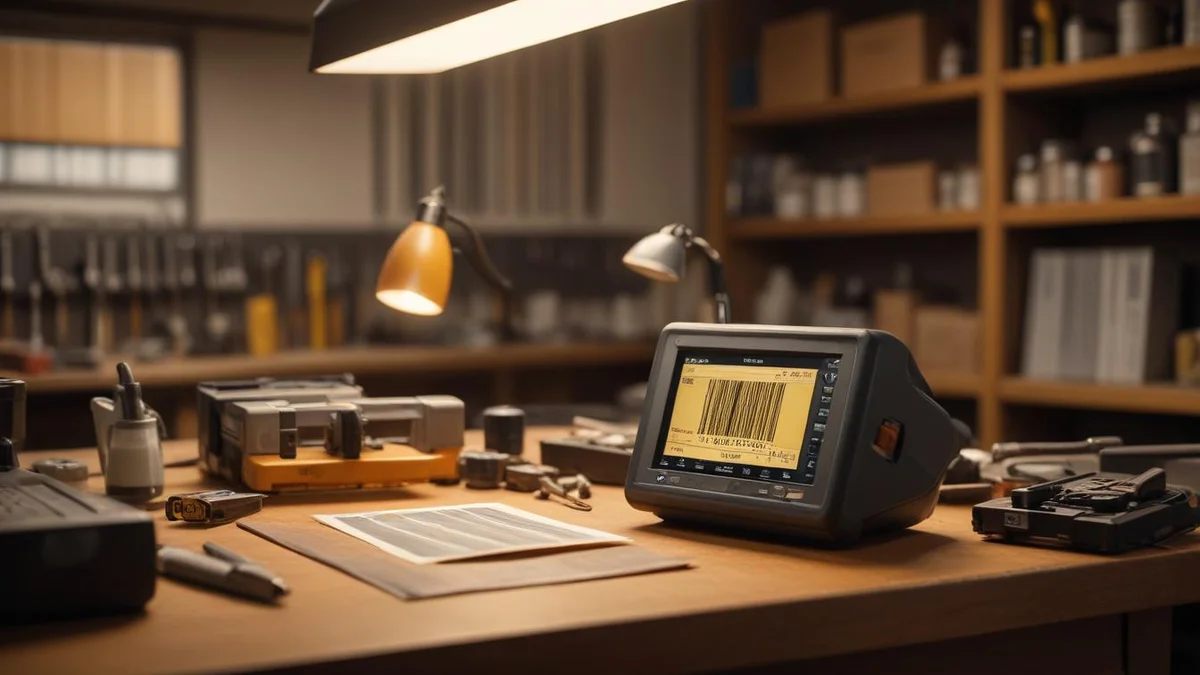
Every time someone in your shop types a part number by hand, there is a chance they type it wrong. Wrong part, wrong price, wrong quantity. A single digit off on a UPC and you are pulling the wrong bearing off the shelf or billing a customer for the wrong item. Barcode scanning eliminates that entire category of mistake, and it is faster than any human typist.
Why Barcode Scanning Matters
Speed and accuracy are the two obvious wins, but they compound into bigger benefits.
- Faster intake. Scan a repair ticket barcode and you are instantly on that customer's record. No searching by name, no scrolling through a list of open repairs.
- Zero data entry errors. A barcode scanner reads exactly what is encoded. It does not confuse a 6 with a 0 or transpose digits.
- Accurate inventory. When every part that leaves the shelf gets scanned, your inventory counts stay correct. You know what you have, what you need to order, and what is moving slowly.
- Faster invoicing. Scan a part, it appears on the invoice with the correct price. Scan another. Done. A five-line invoice takes seconds instead of minutes.
If your shop processes even 10 repairs a day, the time savings add up to 30-45 minutes daily. That is over 15 hours a month your team gets back.
Types of Scanners
You do not need expensive enterprise hardware. Here are your options, ranked by practicality for a repair shop.
USB Wedge Scanners ($25-50)
This is the simplest option. Plug a USB barcode scanner into your computer. It acts like a keyboard — when you scan a barcode, it types the value into whatever field is active. No software to install, no configuration needed.
Good models in this range include the Netum C750 and the Inateck BCST-70. Both handle 1D and 2D barcodes and work out of the box on any computer.
Phone and Tablet Cameras
Most modern repair shop software, including Bench, can use your phone or tablet camera as a scanner. This is ideal for quick lookups on the shop floor — walk up to a shelf, scan a UPC with your phone, and see the part details, stock level, and price immediately.
The trade-off is speed. A dedicated USB scanner reads a barcode in under a second. A phone camera takes 2-3 seconds to focus and read. For high-volume scanning at the counter, a USB scanner wins. For occasional lookups, the camera is fine.
Bluetooth Scanners ($40-80)
Bluetooth scanners pair with a phone, tablet, or computer wirelessly. Good for shops where the computer is not right next to the shelf. A tech can carry a Bluetooth scanner, scan parts as they pull them, and the data flows to the connected device.
What You Can Scan
A barcode is just a way to encode an identifier. The question is what identifiers your shop uses and where.
Repair Tickets
Print a barcode on every repair ticket or intake receipt. When a customer comes in to pick up, scan the ticket and their repair record loads instantly. When a tech starts working on a tool, they scan the ticket to log time against that specific repair.
This alone saves significant time in shops with 20+ open repairs. Instead of asking "what was the name?" and searching, you scan and go. Pairing barcode scanning with a solid intake process means every tool that comes through the door is tracked from the moment it arrives.
Parts by SKU or Barcode
Every part in your inventory should have a barcode. For items you buy from distributors, they already have a UPC on the packaging. For custom items — rebuild kits you assemble, used parts you reclaim — you print your own barcode labels with your internal SKU.
When you scan a part on an invoice, it adds the item with the correct description and price. When you scan it during a stock count, it increments the count. Same barcode, different context, different action.
Inventory by UPC
When a shipment arrives from your parts supplier, scan each item as you shelve it. The system matches the UPC, confirms the part, and updates your stock quantity. A 50-item shipment that used to take 20 minutes to receive and log now takes 5.


Context-Aware Scanning
This is where barcode scanning gets genuinely powerful, and where most generic POS systems fall short.
In Bench, scanning is context-aware. The system knows what page you are on and what you are doing, so the same scan action produces the right result depending on context.
- On a repair detail page: scanning a part barcode adds that part to the repair's parts list.
- On an invoice: scanning a part adds it as a line item with pricing.
- On the inventory page: scanning a UPC pulls up that item's stock record for editing or receiving.
- On the search page: scanning any barcode performs a global lookup — finds the matching repair, part, or customer.
This means your team does not need to navigate to the right screen and then scan. They scan, and the system routes to the right place. It reduces the mental overhead and training time for new employees.
Printing Barcode Labels
Scanning is only useful if things have barcodes on them. For repairs and custom inventory, you need to print your own labels.
What You Need
- A thermal label printer. The DYMO LabelWriter 450 or Brother QL-820NWB are popular in repair shops. They print adhesive labels without ink — just heat on thermal paper. Cost: $60-120 for the printer, about $15 for a roll of 500 labels.
- Label stock. Standard 1" x 2" or 1.25" x 2.25" labels work for most purposes. For small parts bins, 0.75" x 2" labels fit better.
What Goes on a Label
For repair ticket labels:
- Repair number (as barcode and human-readable text)
- Customer last name
- Date received
For inventory labels:
- SKU or UPC (as barcode)
- Part name (abbreviated)
- Bin location (e.g., "A3-7" for aisle A, shelf 3, bin 7)
In Bench, you can print barcode labels directly from the repair detail page or from inventory items. The labels include both the barcode and readable text so you can still identify items visually.
Getting Started: A Practical Plan
You do not need to barcode everything on day one. Here is a phased approach.
Week 1: Repair Tickets
Buy a USB barcode scanner. Start printing barcodes on repair receipts and intake forms. Train your front desk to scan tickets for lookups instead of searching by name. This alone saves time and you will see the benefit immediately.
Week 2: High-Volume Parts
Identify your top 20-30 parts — the ones you use on almost every repair. Make sure they have barcodes in your system (most already will from the manufacturer UPC). Start scanning them onto invoices instead of typing.
Week 3: Full Inventory
Print barcode labels for your remaining inventory. Label shelf bins. Start using scan-to-receive when shipments arrive.
Week 4: Audit and Refine
Do a quick inventory count using the scanner. Compare scanned counts to system counts. Fix discrepancies. By now your team will be comfortable with the workflow and you can identify any gaps.
The $25 investment that saves $500/month. A basic USB scanner costs less than a pizza dinner. The time savings — faster lookups, faster invoicing, fewer errors to fix — easily add up to 15+ hours of labor per month. At $35/hour, that is over $500 in recovered productivity.
Common Mistakes to Avoid
- Not labeling custom items. If you sell rebuild kits or used parts, they need barcodes too. Do not skip this because "we only have a few." Those are the items most likely to be entered wrong.
- Using a scanner that is too slow. Cheap scanners with poor optics take multiple attempts to read a barcode. Spend the extra $10 for a reliable one. The Netum C750 reads on the first try, every time.
- Forgetting to train everyone. Barcode scanning only works if the whole team uses it. If one person still types part numbers manually, you still get errors in the system.
- Not having a backup process. Scanners break, batteries die. Your team should still know how to look up items manually. Scanning is the fast path, not the only path.
Barcode scanning is one of those upgrades that seems small until you use it for a week. Then you wonder how you ever ran without it. The setup cost is minimal, the learning curve is short, and the daily time savings are real. Bench supports USB scanners, camera scanning, context-aware scan routing, and label printing — so you can start using barcodes across your entire operation today.
Related
Industry
Power Tools
Drills, saws, grinders, and all power tools
Industry
Outdoor Equipment
Lawn mowers, snow blowers, chainsaws
Industry
Electronics & Mobile
Phones, tablets, laptops, game consoles
Industry
Small Appliances
Vacuums, sewing machines, mixers
Pricing
Bench Pricing
Plans from $99/month
Guide
QuickBooks for Appliance Repair Businesses: A Practical Guide
Guide
QuickBooks for Electronics Repair Shops: Setup and Best Practices
Guide