Setting Up an Online Shop for Refurbished Tools
Turn abandoned and refurbished tools into a revenue stream with a built-in online shop. Here's how to price, list, and sell inventory.
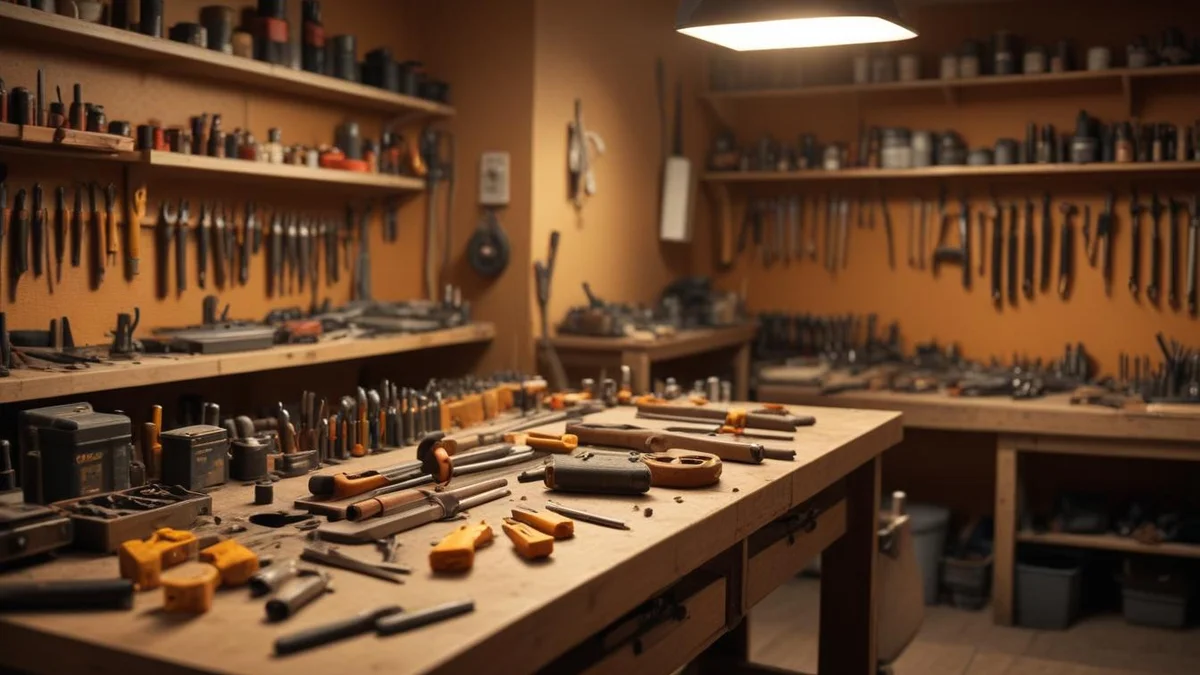
Every repair shop has a shelf, a closet, or a back room full of tools that customers never picked up. You have also got trade-ins, items you bought at estate sales, and tools you repaired and refurbished that nobody came back for. Most shops let this inventory sit there collecting dust. That is money sitting on a shelf.
The Opportunity
There are three main sources of sellable inventory in a typical repair shop.
Abandoned Repairs
A customer drops off a Makita circular saw. You diagnose it, quote $95 for the repair, and they never respond. After 90 days (per your storage policy), that tool is legally yours in most states — see our guide on handling abandoned repairs for the full notification and legal workflow. You have already spent time diagnosing it. If the repair cost is $30 in parts and 20 minutes of labor, you now have a working tool that cost you maybe $50 all-in.
A used Makita circular saw in working condition sells for $80-120. That is $30-70 in profit from something that was sitting in your back room.
Trade-Ins
Some shops accept trade-ins when customers upgrade. A contractor brings in their old DeWalt DCD791 drill when they buy a new DCD800. The old drill works fine — it is just a generation behind. You give them $30-40 credit toward their repair or a new tool purchase, clean up the trade-in, and sell it for $80-100.
Refurbished Tools
This is the real margin play. You buy broken tools cheaply — at auction, from liquidation lots, or from customers who do not want to pay for repair. You fix them using your existing skills, parts, and bench time. A non-working Milwaukee M18 impact driver that costs $15 at auction might need a $8 switch and 15 minutes of labor. Refurbished and tested, it sells for $60-80.
Across these three sources, a busy repair shop can easily generate $1,000-3,000 per month in additional revenue from tool sales. Some shops make it a significant part of their business.
Pricing Refurbished Tools
Pricing used and refurbished tools is part science, part market awareness. Here is a framework that works.
Cost Basis + Margin
Start with what the tool actually cost you.
- Abandoned tool: Your cost is the parts and labor to repair it, plus any diagnostic time. If you spent $40 total, that is your cost basis.
- Trade-in: Your cost is the credit you gave the customer, plus any repair/cleaning costs.
- Auction/liquidation buy: Purchase price plus parts plus labor.
Add a margin of 50-100% for standard items, more for high-demand brands. A tool that cost you $40 should sell for $60-80.
Condition-Based Pricing
Not every tool is in the same shape. Be honest about condition — it builds trust and reduces returns.
- Like New: Minimal wear, all original accessories, full functionality. Price at 65-75% of retail new price.
- Good / Refurbished: Cosmetic wear but fully functional, tested and verified. Price at 45-60% of retail new price.
- Fair / Used: Noticeable wear, fully functional but may have cosmetic issues. Price at 30-45% of retail new price.
For example, a DeWalt DCD791 retails for about $170 new:
- Like New: $110-130
- Refurbished: $75-100
- Fair: $50-75
Check the Market
Before pricing any tool, spend 60 seconds on eBay. Search the exact model, filter by "Sold" listings, and see what they actually sold for (not what people are asking). This gives you real market data. Price your tools competitively against eBay but emphasize that yours are tested by a professional repair technician — that is a real differentiator buyers care about.
Photographing and Listing Items
Good photos sell tools. Bad photos (or no photos) do not. You do not need a professional setup, but you do need consistency.
Photo Tips
- Use a clean, light background. A white sheet or a clean workbench is fine. Avoid cluttered backgrounds — they make tools look like junk, not inventory.
- Take 3-5 photos per item. Front, back, close-up of the label/model number, and any cosmetic damage. Buyers want to see what they are getting.
- Good lighting. Natural light near a window works. Avoid harsh overhead fluorescents that cast shadows.
- Show scale. Include the tool in someone's hand or next to a common object so buyers can gauge size.
Spending 2 minutes on photos can mean the difference between a tool that sells in 3 days and one that sits for 3 months.
Writing Listings
Keep descriptions factual and structured:
- Brand and model number
- Condition (be honest — undersell cosmetics, oversell function)
- What is included (tool only, with battery, with case, etc.)
- What was repaired or replaced (this is your advantage — "new brushes installed, field tested")
- Any defects or cosmetic issues
Example listing: "DeWalt DCD791 20V Brushless Drill — Refurbished. New chuck installed, full function test passed. Cosmetic wear on housing (see photos). Tool only, no battery or charger. 30-day warranty on our repair work."


Shipping vs. Pickup Only
This is a business decision that depends on your volume and goals.
Pickup Only
- Pros: No shipping costs, no packaging hassle, no damage-in-transit claims, customer sees the tool before paying.
- Cons: Your market is limited to your local area.
- Best for: Shops just starting out with online sales, or shops in dense metro areas with a large local customer base.
Shipping Available
- Pros: Massively expanded market, higher sales volume, can charge more for hard-to-find items.
- Cons: Shipping costs (especially for heavy tools), packaging materials and time, risk of damage claims, returns are more complicated.
- Best for: Shops with a steady flow of refurbished inventory, or shops that specialize in specific brands/models with national demand.
If you offer shipping, keep it simple. Flat-rate USPS Priority Mail boxes work for smaller tools and accessories. For larger items, keep a stock of appropriately sized boxes and use UPS or FedEx Ground. Build shipping cost into your pricing or charge actual shipping — do not eat the cost.
A Middle Ground
Start with local pickup only. List items in your online shop with "Local Pickup" as the fulfillment method. Once you are comfortable with the volume and process, add shipping as an option for select items. You do not have to ship everything — heavy items like table saws or large compressors can stay pickup-only while hand tools and drills get shipped.
Managing Quantity and Sold Status
Inventory management for a resale operation is different from parts inventory. Most of your items are one-of-a-kind — you have one specific used DeWalt drill, not 50 identical ones on a shelf.
Key Tracking Points
- Quantity: Usually 1 for used/refurbished items. If you refurbish multiples of the same model, track quantity properly so your listing shows "In Stock" until the last one sells.
- Sold status: When an item sells, it should immediately disappear from your online shop. Nothing frustrates a buyer more than trying to purchase something that is already gone.
- Cost tracking: Record what you paid (or spent) to acquire and repair each item. This is critical for calculating actual margins and for tax purposes — your cost of goods sold reduces your taxable income.
Condition Categories
Use standardized condition labels across all your listings. Buyers learn what your labels mean and trust them. Bench uses NEW, LIKE_NEW, REFURBISHED, USED, and FAIR as condition categories. Pick a system and stick with it.
How Bench Handles This
Bench includes a built-in eCommerce shop and inventory system designed for exactly this use case.
Inventory Management
- Add items to your inventory with photos, description, condition, and pricing.
- Track cost basis so you know your actual margins. Accurate parts inventory tracking ensures your cost calculations are correct.
- Manage quantity — when an item sells, stock updates automatically.
- Categorize by type (power tools, hand tools, accessories, parts).
- Assign condition labels (New, Like New, Refurbished, Used, Fair).
Online Shop
- Your shop gets a public-facing product page at your Bench URL.
- Customers browse by category, search by keyword, and view photos and descriptions.
- Items marked as sold or out of stock are automatically hidden.
- Customers can request to purchase or reserve items.
From Abandoned Repair to Listed Item
The workflow in Bench is straightforward:
- A repair sits unclaimed past your abandonment period.
- You mark it as abandoned in the system.
- You repair the tool (if needed) and document the work.
- You create an inventory item from the repair record — customer info is stripped, but repair history transfers so you can note what was fixed.
- Add photos, set the price and condition, and publish to your shop.
This keeps everything in one system. No separate eBay listings to manage, no spreadsheet to track what sold, no manual inventory counts.
Getting Started
If you have never sold refurbished tools before, start small.
- Audit your back room. How many abandoned or unclaimed items do you have? That is your starting inventory. Even 5-10 items is enough to launch.
- Repair and test everything. Every tool you sell should be fully functional. Your reputation as a repair shop is on the line — selling broken tools destroys trust fast.
- Offer a short warranty. A 30-day warranty on your repair work differentiates you from random eBay sellers. It costs you almost nothing (your return rate will be under 5%) and dramatically increases buyer confidence.
- Price competitively, not cheaply. You are not a pawn shop. You are a professional repair shop selling tested, warrantied tools. Price accordingly.
- Tell your existing customers. Your repair customers are your best buyers for refurbished tools. They already trust you. Mention the online shop when they pick up repairs, and include a link on receipts and follow-up emails.
The refurbished tool market is growing as contractors and DIYers look for alternatives to paying full retail. You already have the skills, the parts, and the inventory source. All you need is a system to list it, sell it, and track it. That is what Bench's eCommerce features are built for.
Related
Industry
Power Tools
Drills, saws, grinders, and all power tools
Industry
Outdoor Equipment
Lawn mowers, snow blowers, chainsaws
Pricing
Bench Pricing
Plans from $99/month
Guide
QuickBooks for Appliance Repair Businesses: A Practical Guide
Guide
QuickBooks for Electronics Repair Shops: Setup and Best Practices
Guide